Next: 簡單計算題變數產生 Up: 其他小修改 Previous: 計算題 Contents DYWANG_HOME
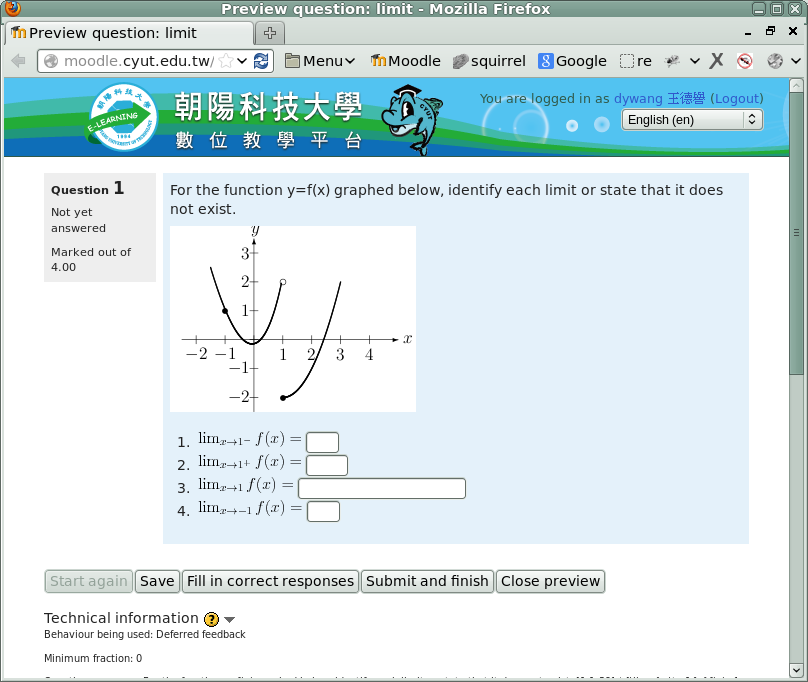
input[type="text"], input[type="password"], textarea,再查得此設定的 css檔為 theme/base/style/core.css,將其由 auto 修改為 16em,也就是 16 個字元。
[root@moodle moodle23]# diff -uN ../moodle/theme/base/style/core.css theme/base/style/core.css
--- ../moodle/theme/base/style/core.css	2012-07-06 08:44:30.000000000 +0800
+++ theme/base/style/core.css	2014-09-21 18:02:02.022384638 +0800
@@ -1,7 +1,7 @@
 /**
  * Required to undo YUI resets that override input size
  */
-input[type=text],input[type=password],textarea{width:auto;}
+input[type=text],input[type=password],textarea{width:16em;}
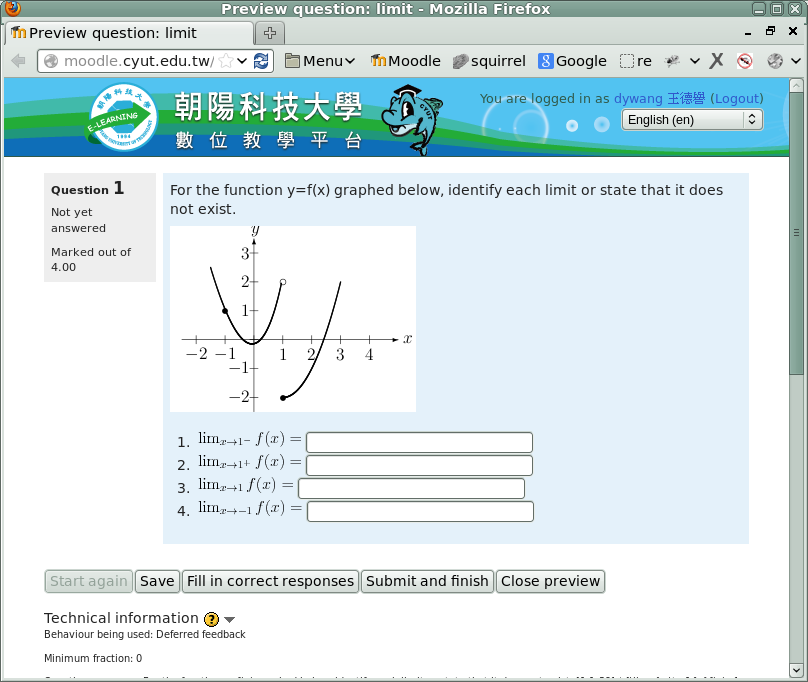
input[type="text"], input[type="password"], textarea 不只「克漏字」題型使用,還有成績輸入、密碼輸入、簡訊編輯等輸入區塊使用,若改成 16em 在編輯全班成績時顯得區塊過大,折衷處理可以取消最大寬度限制如下:
[root@moodle moodle23]# diff -uN ../moodle/theme/base/style/core.css theme/base/style/core.css
--- ../moodle/theme/base/style/core.css	2012-07-06 08:44:30.000000000 +0800
+++ theme/base/style/core.css	2014-09-21 18:02:02.022384638 +0800
@@ -1,7 +1,7 @@
 /**
  * Required to undo YUI resets that override input size
  */
-input[type=text],input[type=password],textarea{width:auto;}
+input[type=text],input[type=password],textarea{width:width:auto; min-width:4em}
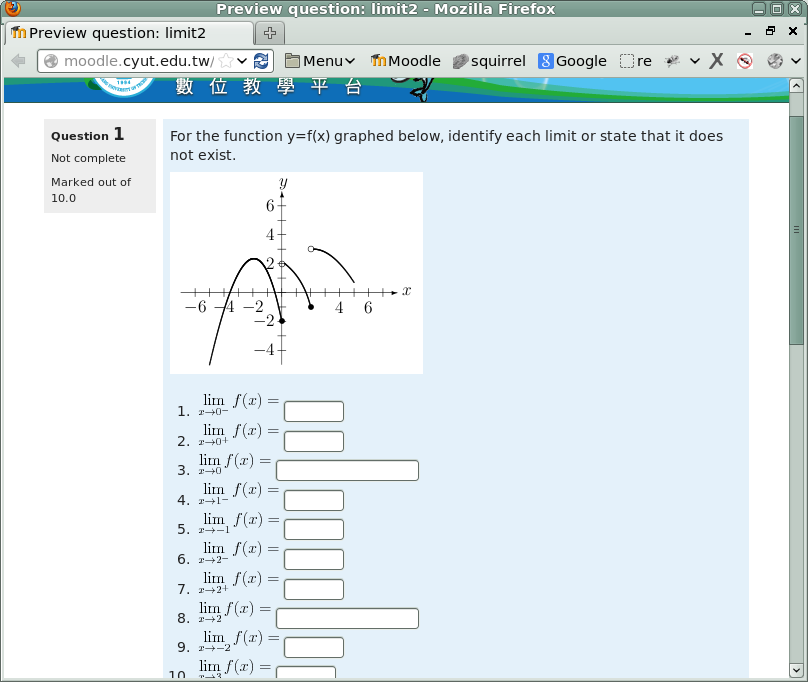
input[type="text"], input[type="password"], textarea 已取消最大寬度限制,但在編輯簡訊時,一開始是沒有任何內容,所以編輯區塊寬度會被設定為最小寬度 4em,且無法拉大。
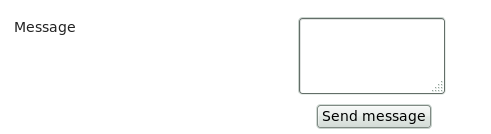
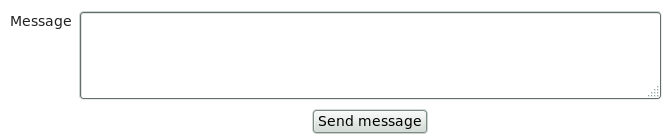
resize:both 參數,也就是水平與垂直方向都可重新改變大小,修改後結果如下:
[root@moodle moodle23]# diff -uN ../moodle/theme/base/style/core.css theme/base/style/core.css
--- ../moodle/theme/base/style/core.css	2012-07-06 08:44:30.000000000 +0800
+++ theme/base/style/core.css	2014-09-21 18:02:02.022384638 +0800
@@ -1,7 +1,7 @@
 /**
  * Required to undo YUI resets that override input size
  */
-input[type=text],input[type=password],textarea{width:auto;}
+input[type=text],input[type=password],textarea{width:width:auto; min-width:4em; resize:both;}